Klever VM MCP
AI-Powered Blockchain Development
Connect your AI assistant to 95+ Klever VM knowledge entries. Build, deploy, and debug smart contracts with contextual guidance.
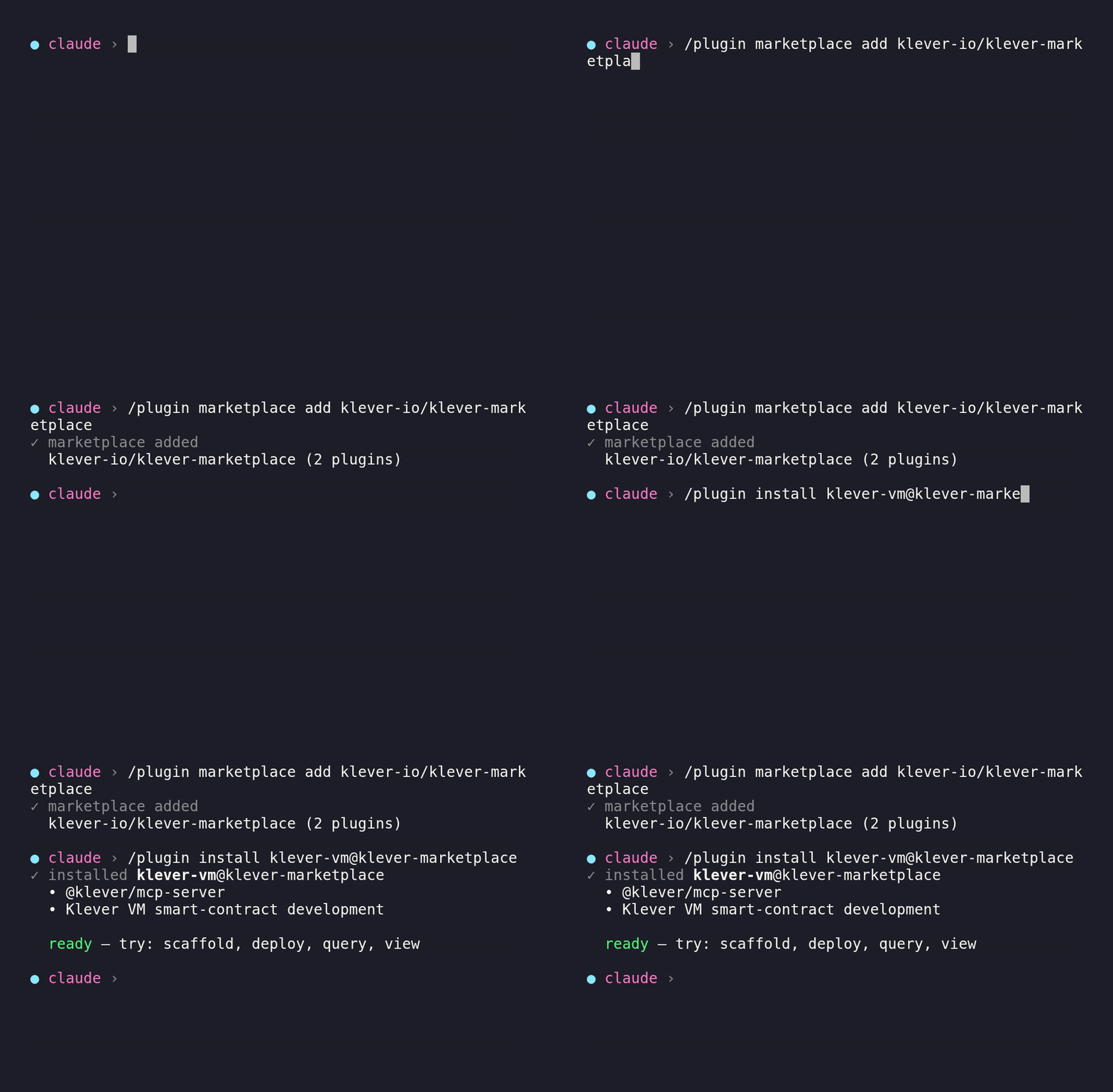
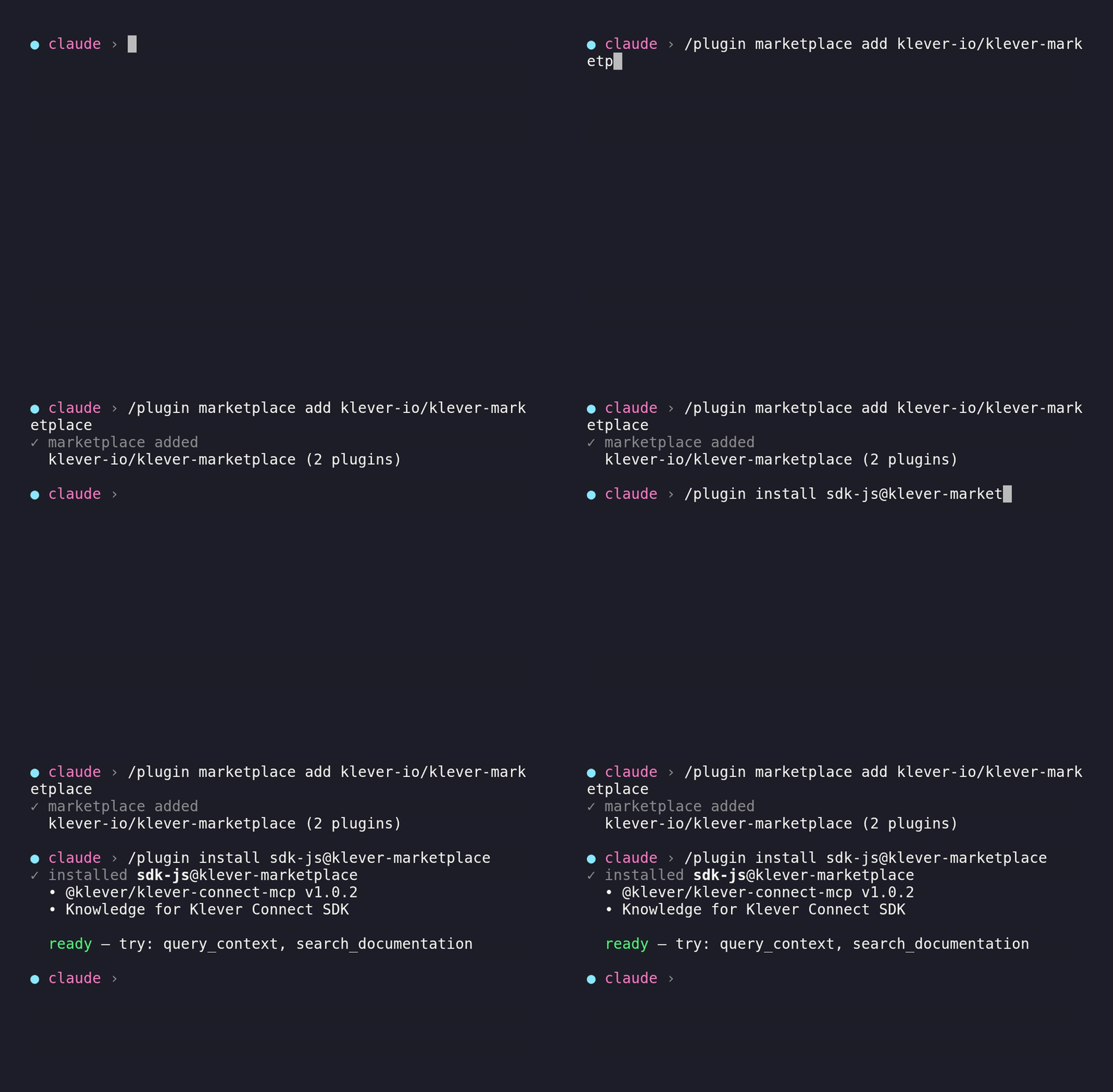
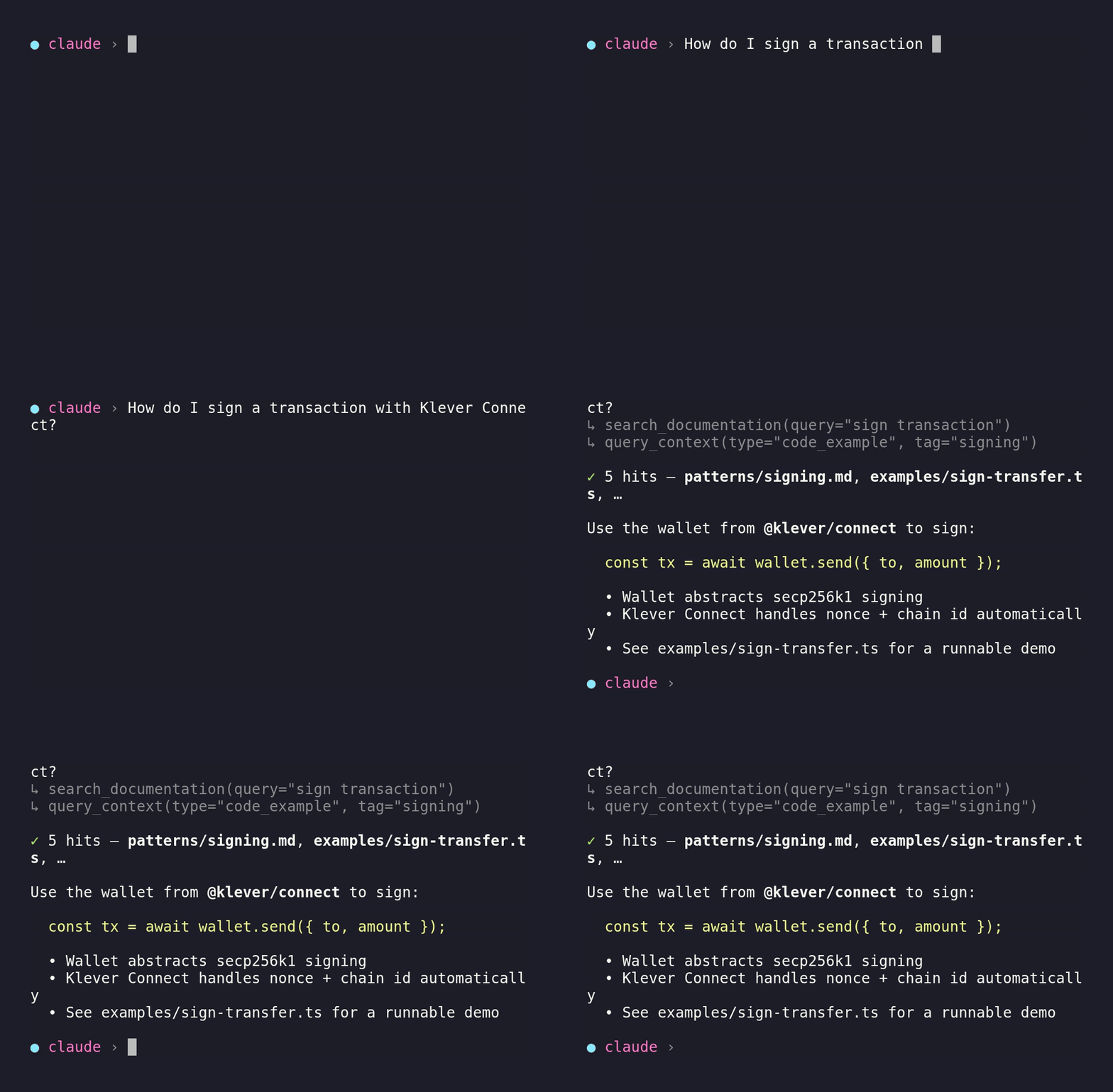
Quick Setup
Connect your favorite AI tool to Klever VM MCP in seconds.
What Can This MCP Do?
16 tools and prompts across 5 categories to accelerate your smart contract development.
Knowledge & Search
query_context
Search the Klever VM knowledge base for smart contract development context. Filter by type, tags, or contract category.
search_documentation
Search documentation in human-readable markdown format. Optimized for "how do I..." questions.
get_context
Retrieve a single knowledge base entry by ID with full content and metadata.
find_similar
Find related knowledge entries by comparing tags and content similarity.
get_knowledge_stats
Get summary statistics — total entries, counts by type, and sample titles.
enhance_with_context
Augment a natural-language query with relevant Klever VM knowledge before answering.
Code Analysis
analyze_contract
Analyze Klever smart contract Rust source code for common issues: missing imports, annotations, payable handlers, storage mappers, and event definitions.
Project Scaffolding
init_klever_project
Initialize a new Klever smart contract project with build, deploy, query, and test scripts.
add_helper_scripts
Add helper scripts (deploy, upgrade, query, interact) to an existing project.
SDK & Environment
local onlycheck_sdk_status
Check if Klever SDK tools (ksc, koperator) are installed and report versions.
install_klever_sdk
Install or update Klever SDK build tools.
add_context
Add custom knowledge entries to the local context store.
AI Prompts
guided workflowscreate_smart_contract
Guided workflow to create a complete Klever smart contract.
add_feature
Add a feature to an existing Klever smart contract.
debug_error
Diagnose and fix a compiler or runtime error.
review_contract
Comprehensive security and quality review.
Try These Prompts
After connecting, ask your AI assistant any of these to get started.
“Create a KDA token contract with mint and burn functions”
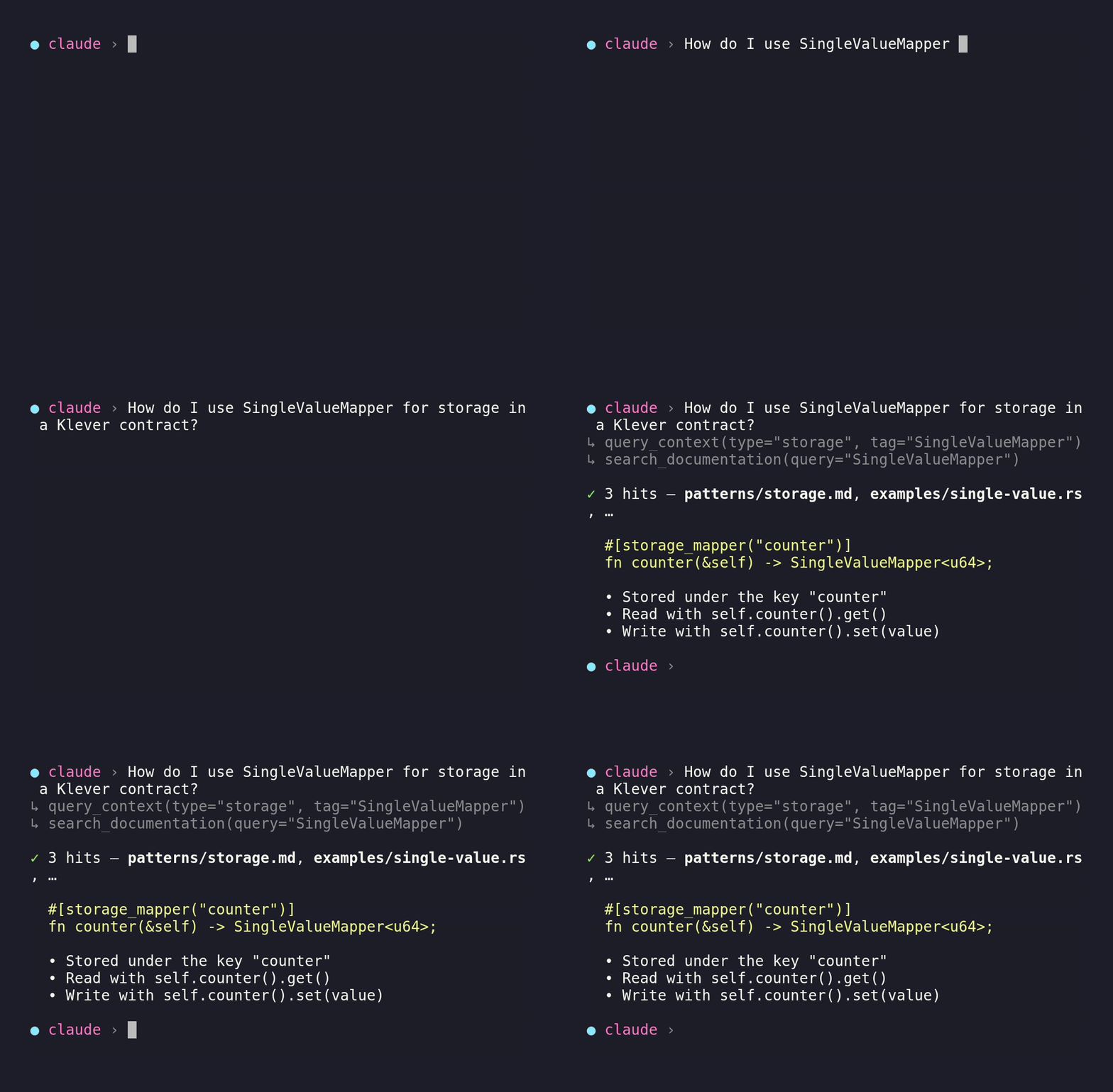
“How do I use SingleValueMapper for storage?”
“Deploy my contract to Klever testnet”
“Check my account balance on devnet”
“Generate a smart contract for NFT minting with royalties”
“What's the difference between SetMapper and MapMapper?”
“Review my contract for security issues”
“How do I handle payable endpoints with KLV?”
“Debug: error[E0433] could not find `klever_sc` in the crate root”
“Add staking rewards to my existing contract”
Knowledge Base
95+ curated entries across 11 categories, always up-to-date with the latest Klever VM SDK.
Core Concepts & Imports
Storage Patterns & Mappers
Event Handling & Rules
Token Operations & Decimals
Built-in Modules
CLI Tools
Helper Scripts
Contract Examples
Common Errors & Solutions
Best Practices
API Reference
Frequently Asked Questions
docker pull kleverapp/mcp-klever-vm:latest or clone the repository and run with Node.js.